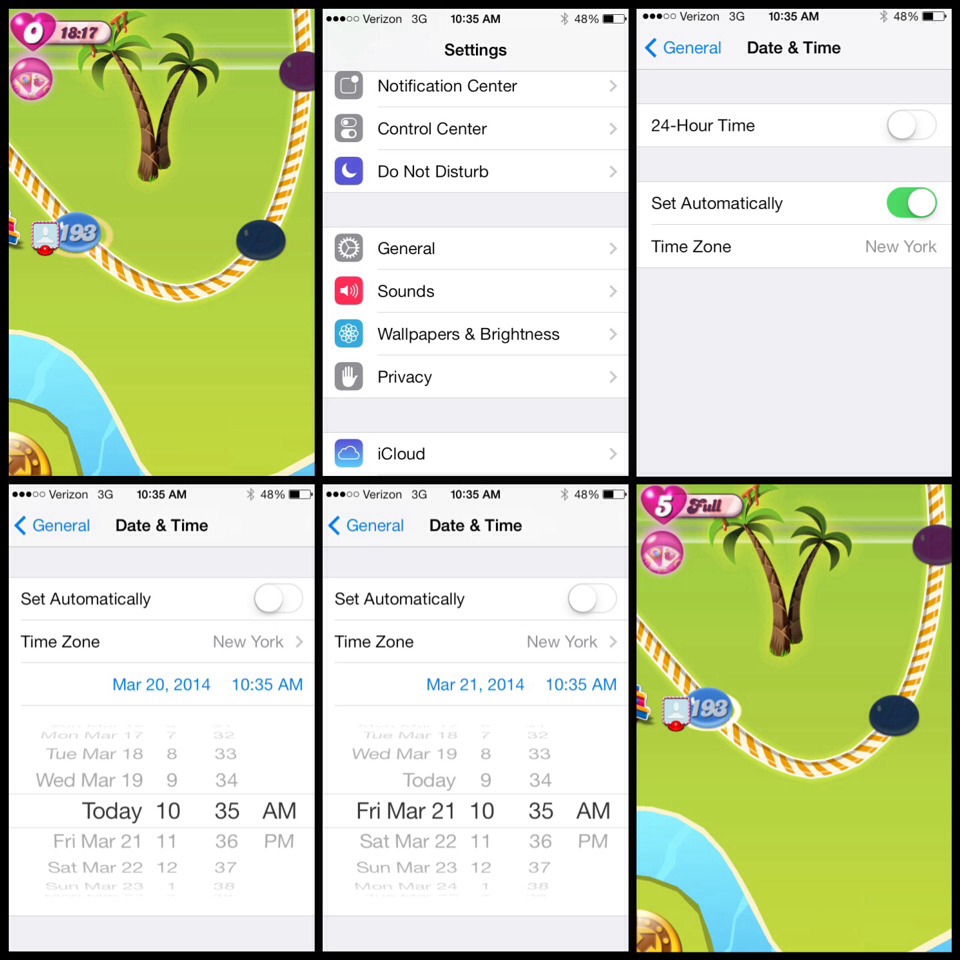
Candy Crush Debugged!
posted in All on 9/8/2014

If you have a problem with playing Candy Crush Saga on your mobile phone or ipad/iphone here are some solutions to common problems encountered so far.
The first thing to do is make sure you have downloaded the latest updates from Apple or your app store.
If you play on a Mobile device, you need to reconnect with Facebook once a day, that will usually fix any problems with coins or lives!
I don't have access to the Kingdom!
A little tip for people on mobile that can't connect to FB..
If you have the FB app installed you can open the FB app, touch the 3 lines top left, scroll down to the apps, candy crush should be listed on the left side, touch that and the CCS app should open and now connect you, It works, some just don't know how to do it.. If that fails, you need to delete the CCS app,
If you have changed your FB password
If you change your FB password
Settings app>Facebook>delete the current account (no you won't lose anything) Enter in your email address and new password>save> Open CCS app and connect again! Delete the CCS app NOT THE FACEBOOK APP, re download and everything will work again.
My saved lives/messages keep disappearing!
Mobile app players are able to keep lives saved up in their message box for a certain time, but they occasionally vanish.
Sometimes when you download updates, sometimes for no apparent reason.
There is nothing to be done about this.
If you contact the developers about this issue they will tell you that you are only supposed to have 5 lives so will make no attempt to help you.
Take advantage of the bounty while you have it, but don't cry when they go...
My new friends aren't showing, I can't request tickets!
Log out of Facebook and close the Candy Crush Saga app completely. Double click the home button to close the app.
Then Open the app and log into FB and your new friends should appear within a few minutes.
Message: The game does not have access to the Kingdom!
Fix.... Force a reconnect to Facebook.
Once a day before you start playing you can do this to
make things run smoothly.
CLOSE CCS (x it in running apps)
Go to
SETTINGS->Facebook->Allow these apps to use your
account:->
Then for Candy Crush slide to off, then slide to on.
Open CCS, it will ask you to connect.
If it doesn't you probably didn't close out of the app
completely.
Close out completely and start the process over.
This may help your problem.
Doing this daily will help a lot of problems.
Check your internet connection.
Many problems with lives, tickets etc. not being received or registered are caused by a poor internet connection...If you have access to a wifi signal it is worth checking to see if things improve.
Even if it says you're connected, disconnect and re connect.
If you tap the connect and nothing happens, try this.
Go to your device’s Settings menu.
Scroll down and tap on Facebook.
Here you will have a Candy Crush Saga setting . Please disable > re-enable this setting then check if the issue you are experiencing still occurs.