Download Books That You Would Usually Pay For, Free!
posted in Other on 5/8/2014
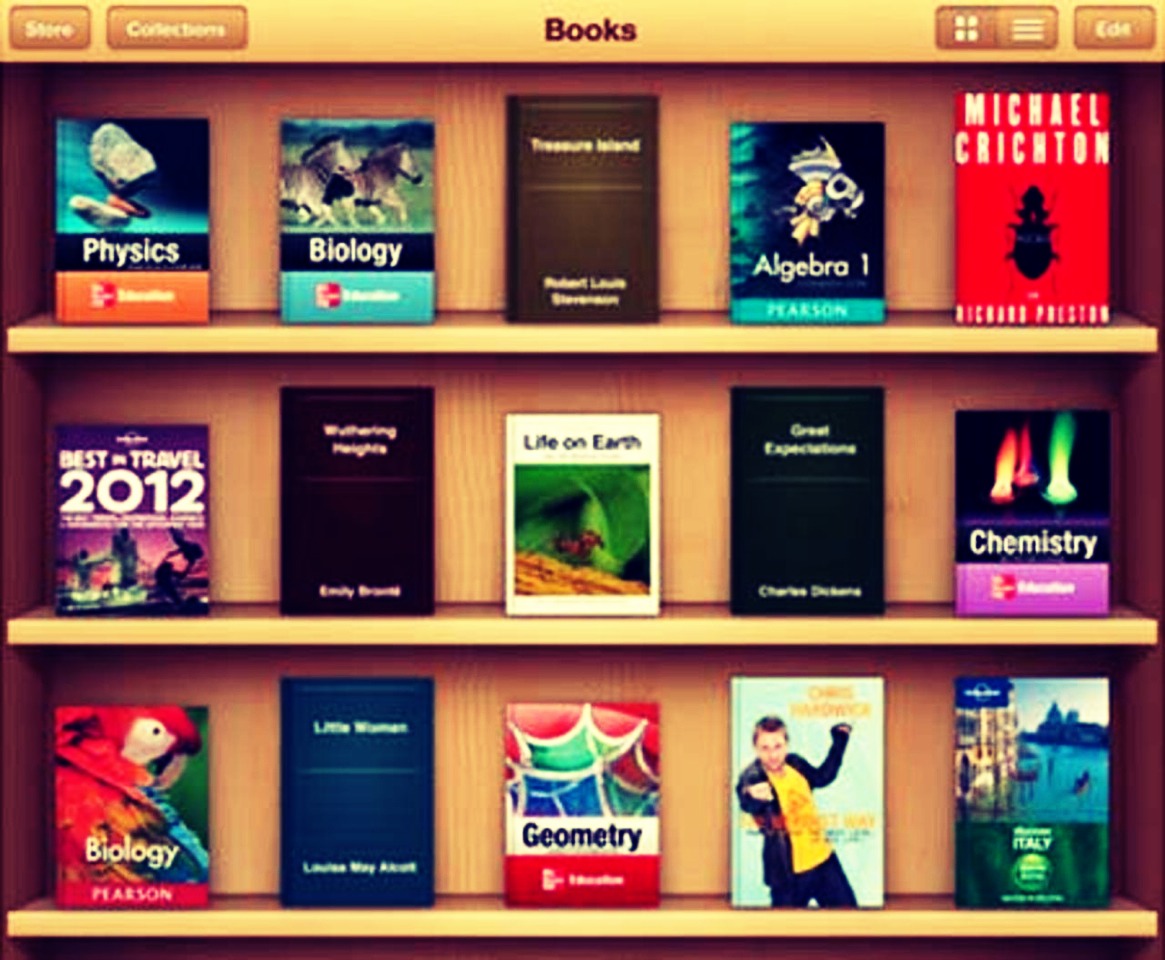
How to download paid books, free!!!!
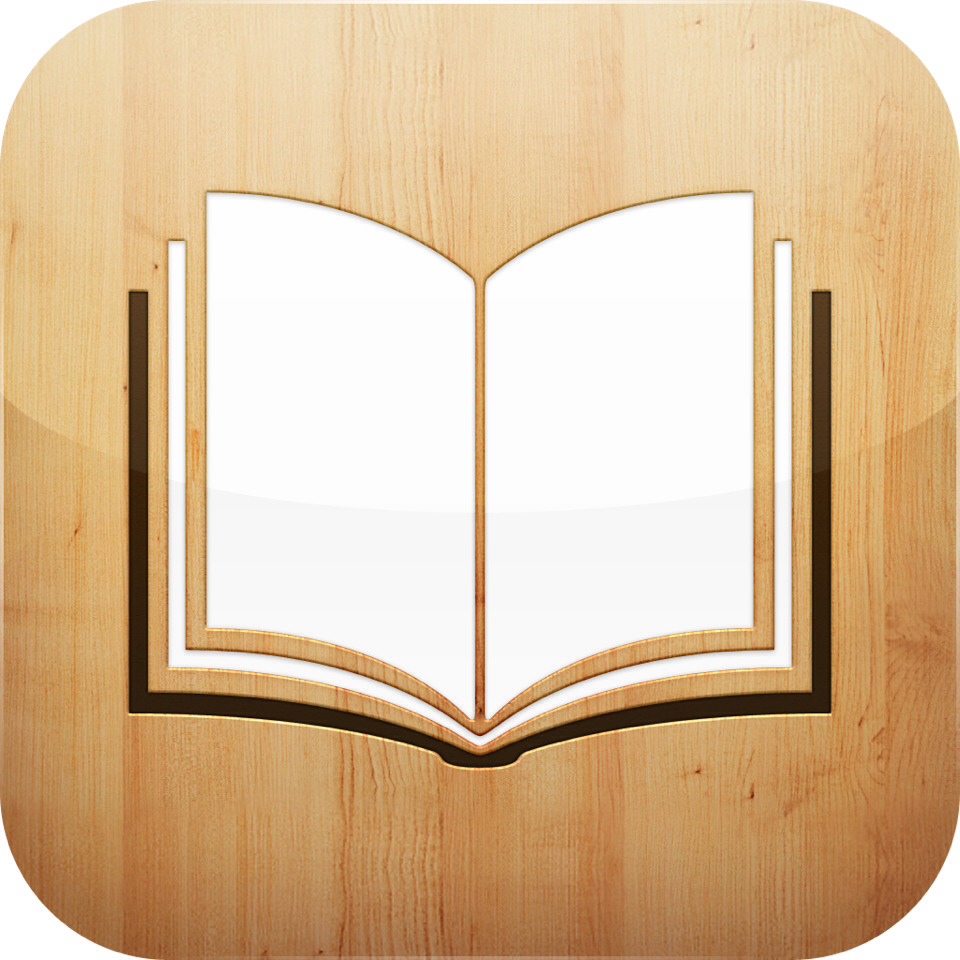
The first thing you will need is the app "IBook" on the iPad/iPhone/iPod.
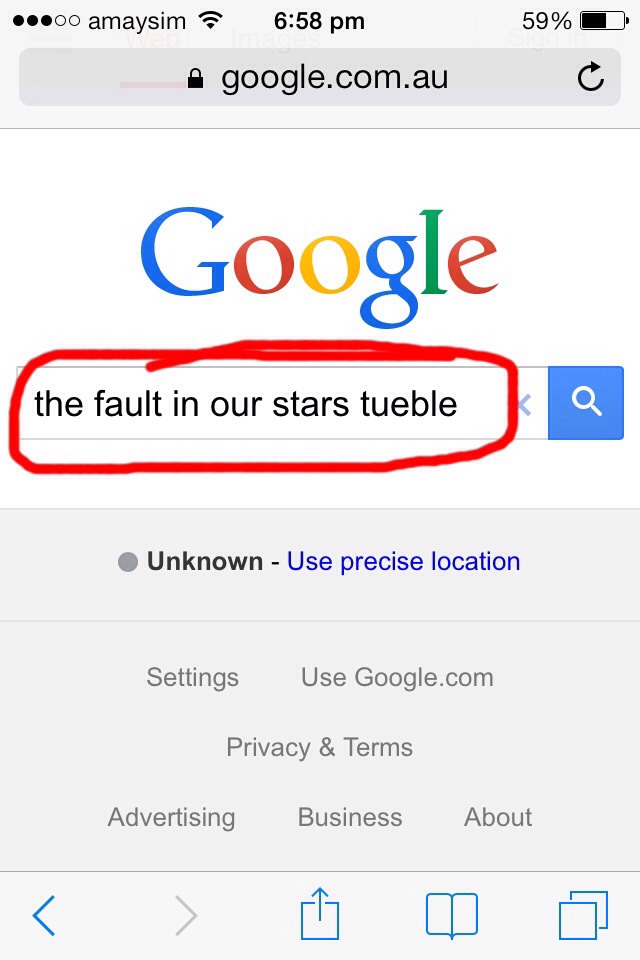
Open up the internet and type in the book you want, and you HAVE to right the word "tuebl" do not put the e at the end like I did, it's spelt "T-U-E-B-L". After you've done that, press search.
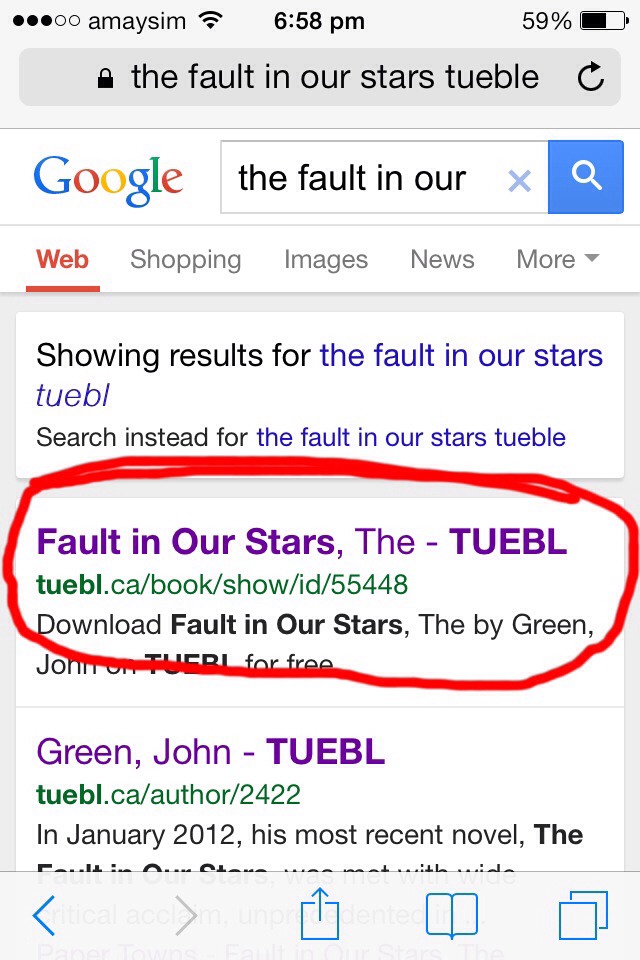
Click the first link that comes up but make sure that "TUEBL" is in the link.
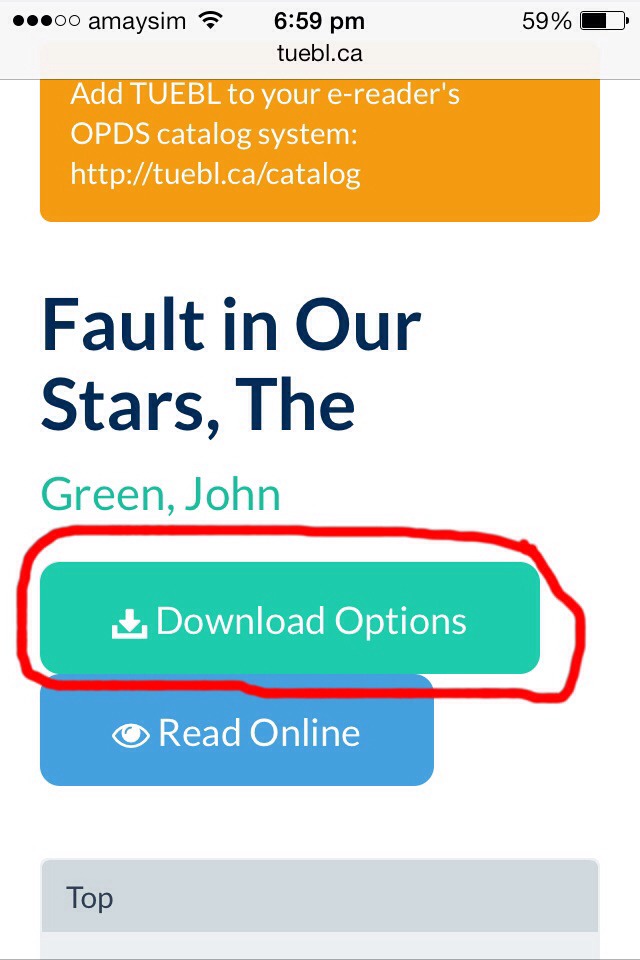
When you've clicked the link, it should open up to a webpage looking something like this. Click "download options"
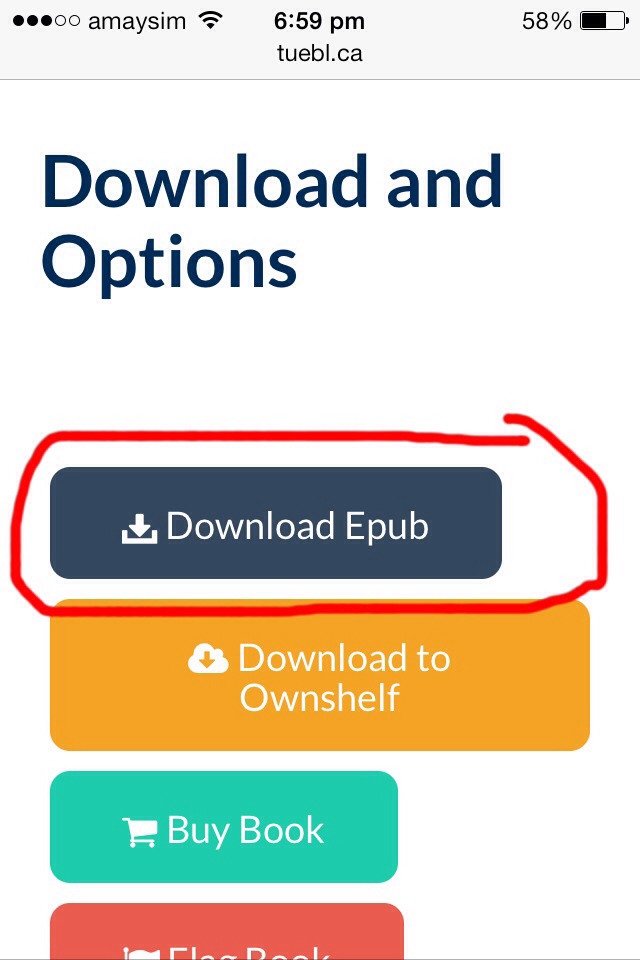
After you've pressed that, scroll down a little until you find "Download Epub" click on it.
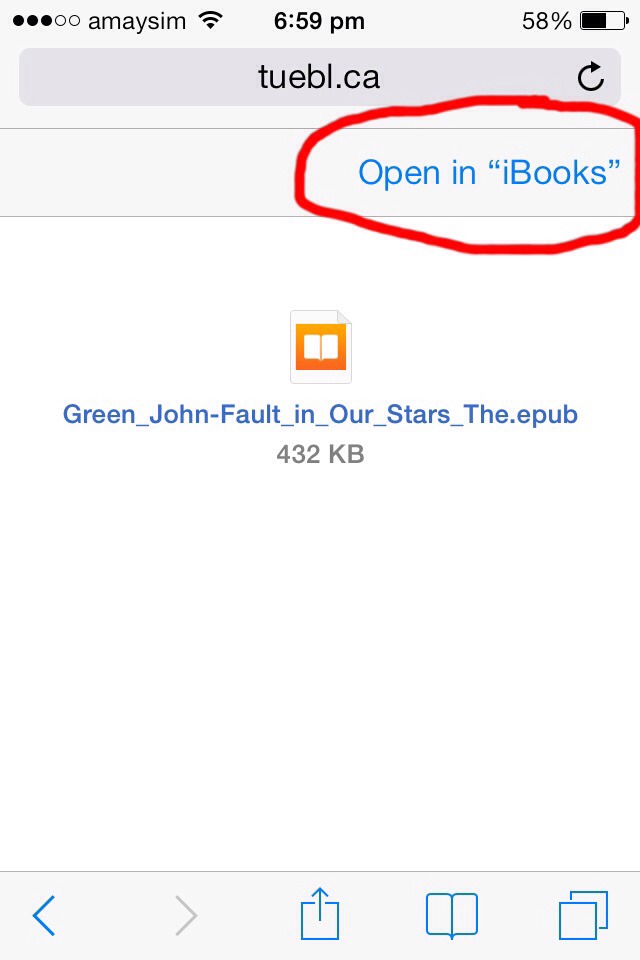
After a few seconds, this will show up. Don't worry if a few adds come up, just click exit. Once you get to this page, click "open in iBooks" STRAIGHT AWAY!
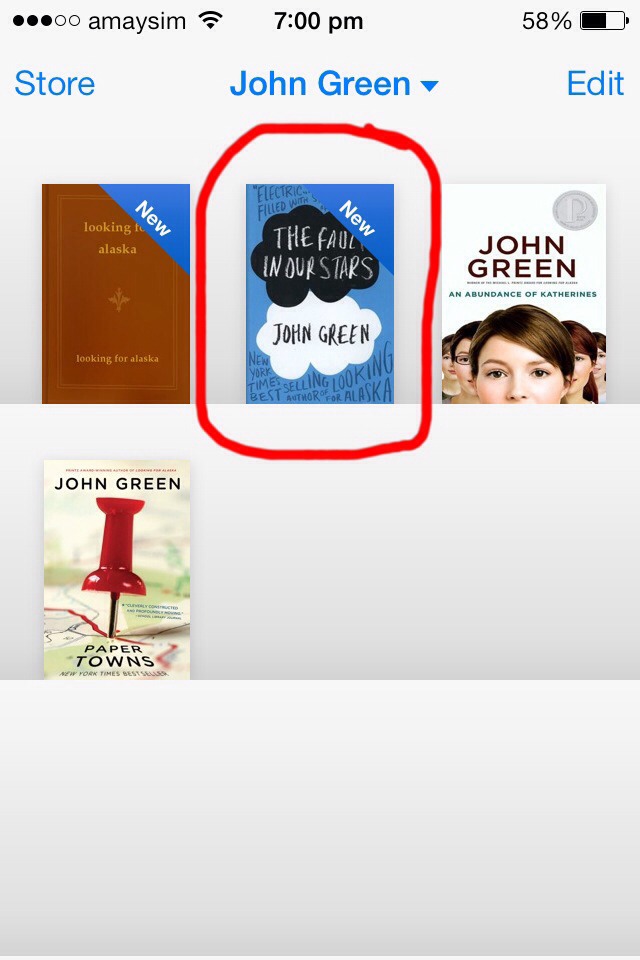
When "iBooks" opens, your book should start downloading in your library, when it's done, open the book and enjoy! I've download over 32 books so far and every book has every page and all the features that you should have! I hope this works for you! Don't forget to like :)
More tips like this
Other
7 Scam Free Great Websites to Score Free Samples on Your Favorite Products ...
1.4K14
Other
Get Free Samples No Surveys.
98917
Other
Get Free Drinks
5638
Other
Get Free Vending Machine Snacks
85513

Other
Watch EVERY Disney Movie Online For FREE With This Link!!!
2.7K43
Other
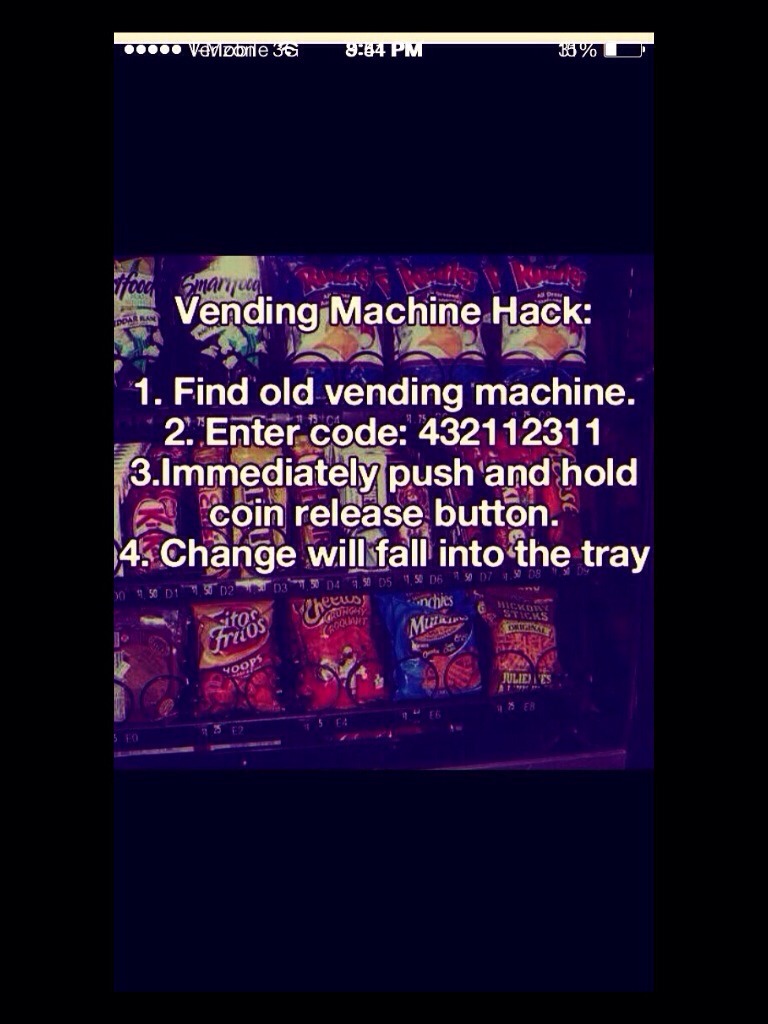
Free Snacks
4424
Other
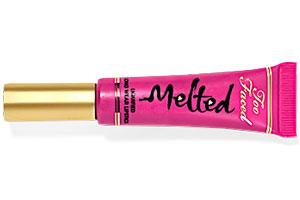
FREE TOO FACED MELTED LIPSTICK IN FUCHSIA!!
5227
Other
9 Awesome Websites For Free E-books, Download Away! 😊
8.1K66