How To Get Free Music On Any Apple Device!
posted in All on 8/31/2015
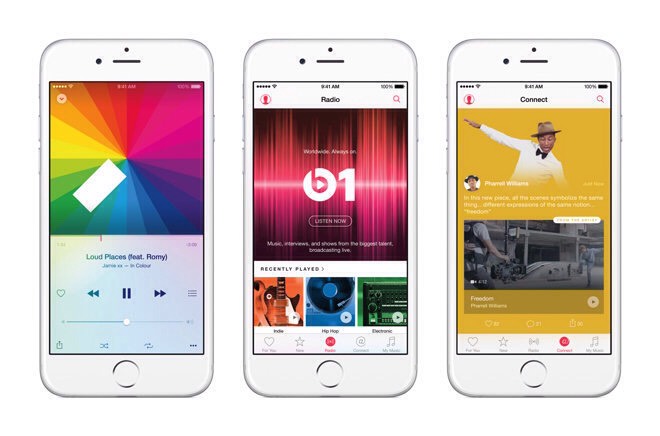
Alright so I've been using this trick for years now, it takes a little time but in the end you get unlimited free music to your Apple product!
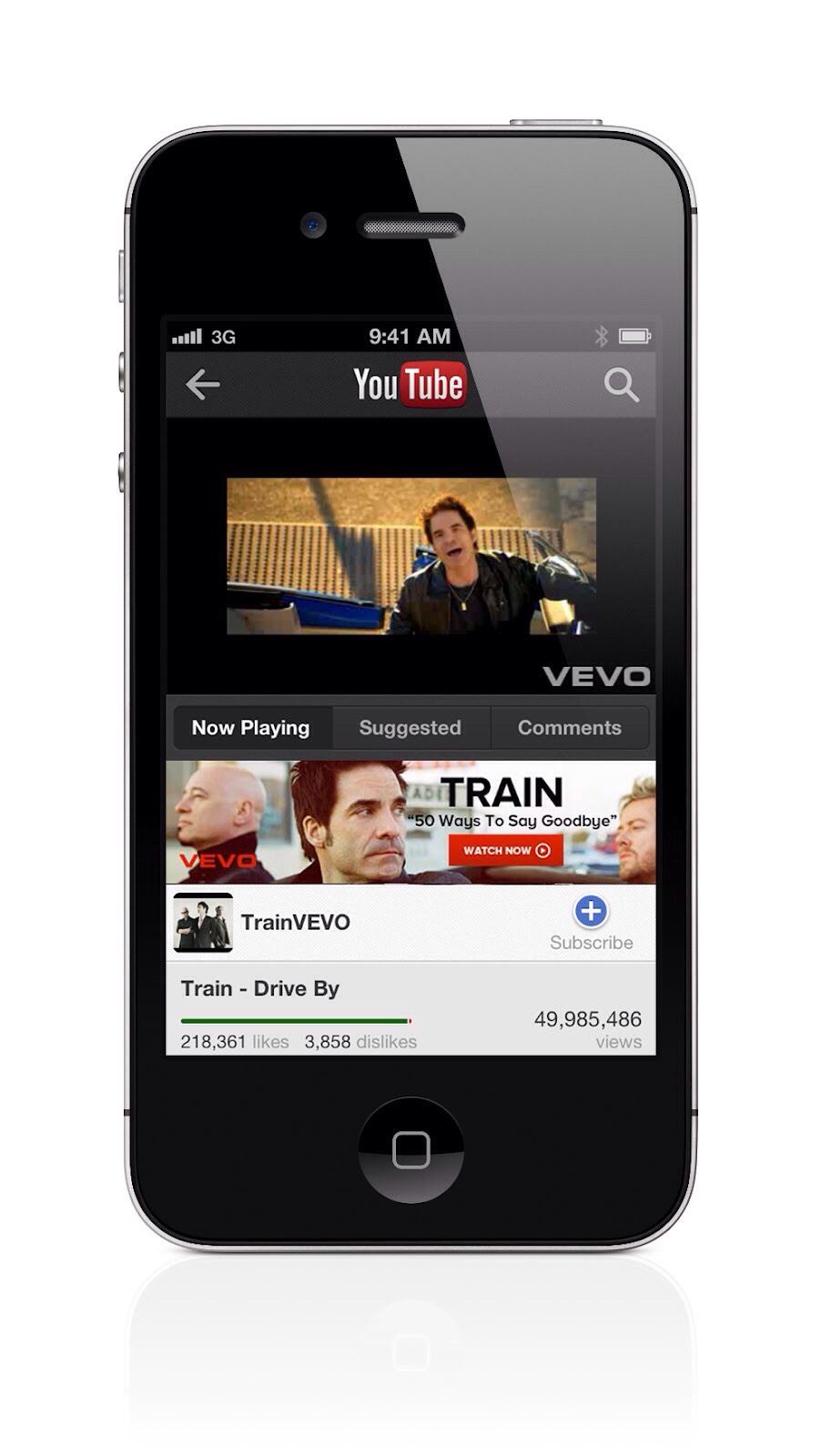
So the first thing you are going to want to do is go to YouTube ON YOUR COMPUTER this will not work without a computer! Copy the link to the song you want.
So the first thing you are going to want to do is go to YouTube ON YOUR COMPUTER this will not work without a computer! Copy the link to the song you want.
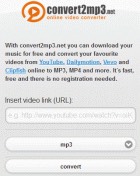
The next thing you are going to want to do is go to convert2mp3.com (make sure to change the language to English) and paste the link to the video you want the audio from and convert it to MP3
The next thing you want to have is iTunes, this is not only for Mac users, I have a Windows laptop and I have iTunes downloaded (I will upload a tip later explaining how to download iTunes)
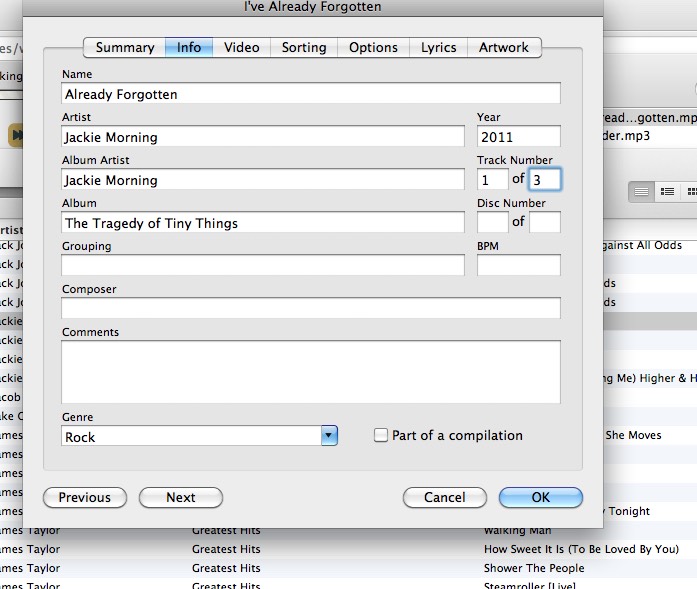
Now you are going to want to fix the names of the songs. Right click the song you want to change, and click either properties or information or something of the sort and you wi be able to change all the info for the song, and you can add the artwork if you'd like
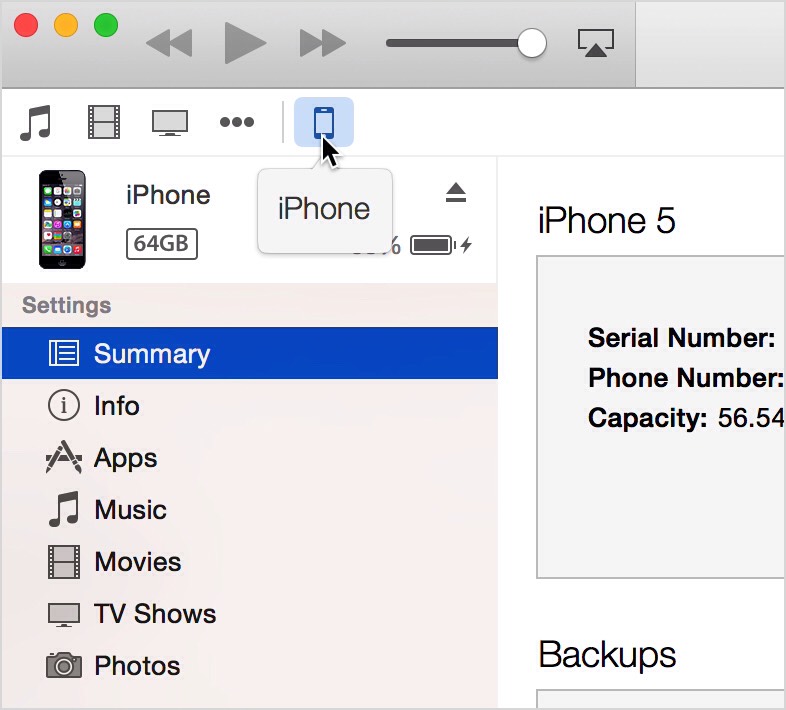
The last step is to connect your iPhone and sync the songs (caution: if your iPhone is synced with ANY OTHER ITUNES ON ANY OTHER COMPUTER IT WILL DELETE THE DATA THAT HAS BEEN SYNCED FROM THAT COMPUTER. also, if you sync your device with any other computer after this, all these songs will be gone)