Secret Snapchat Features!
posted in Other on 11/16/2013

Wanna know how to do secret Snapchat features, including turning pictures sepia, black and white, and negative, along with having white and black writing colors? Keep scrolling to learn how👻

To create a sepia effect, simply type in
Sepia...
into the text box, and voila! Then, you can delete the text, and the picture will still have the sepia effect.
Sepia...
into the text box, and voila! Then, you can delete the text, and the picture will still have the sepia effect.
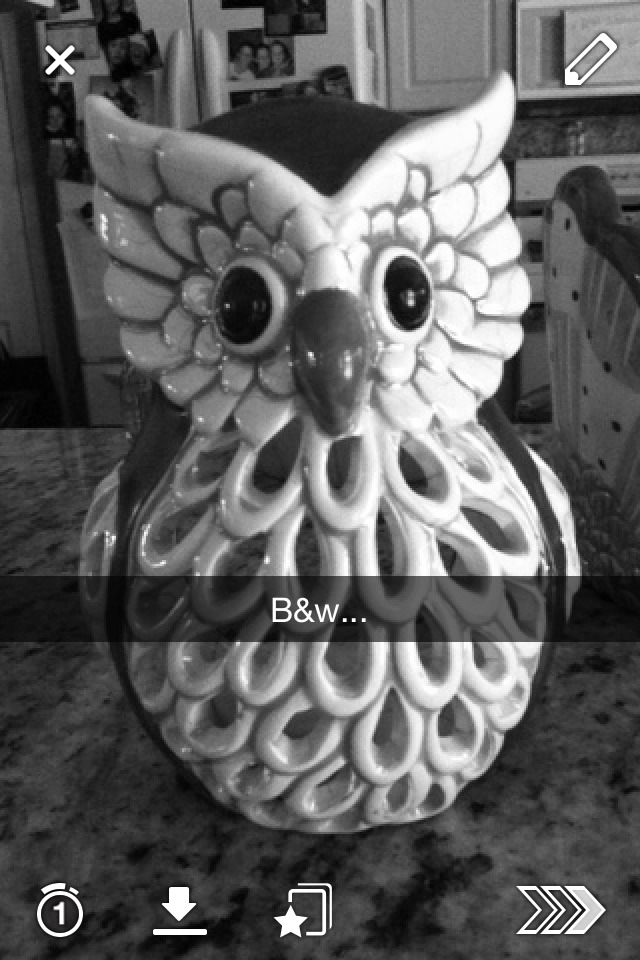
Same goes for black and white! Type in:
B&w...
And then delete!
B&w...
And then delete!
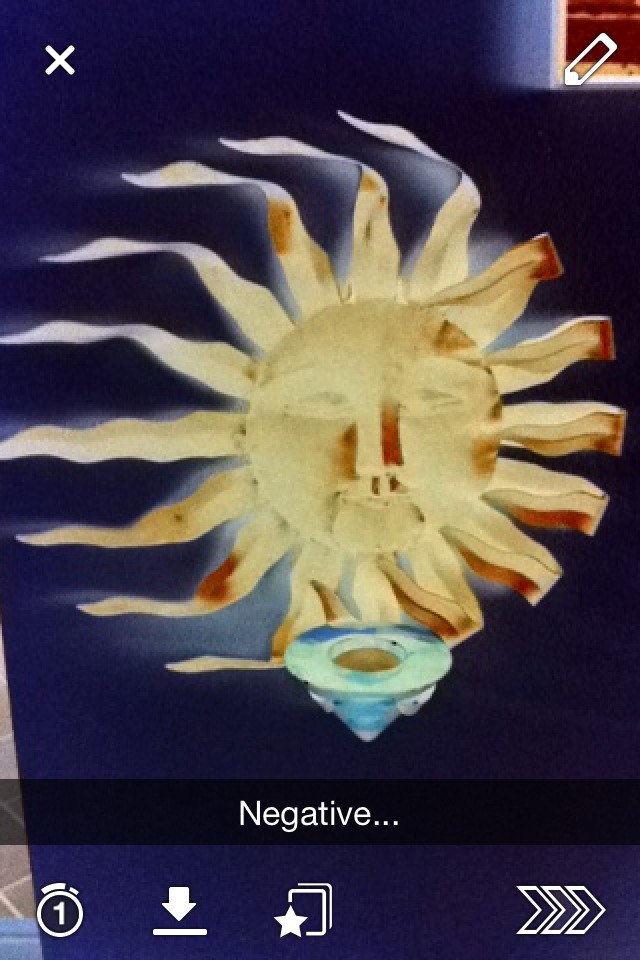
And same for negative! Just type:
Negative...
and delete the caption!
Negative...
and delete the caption!
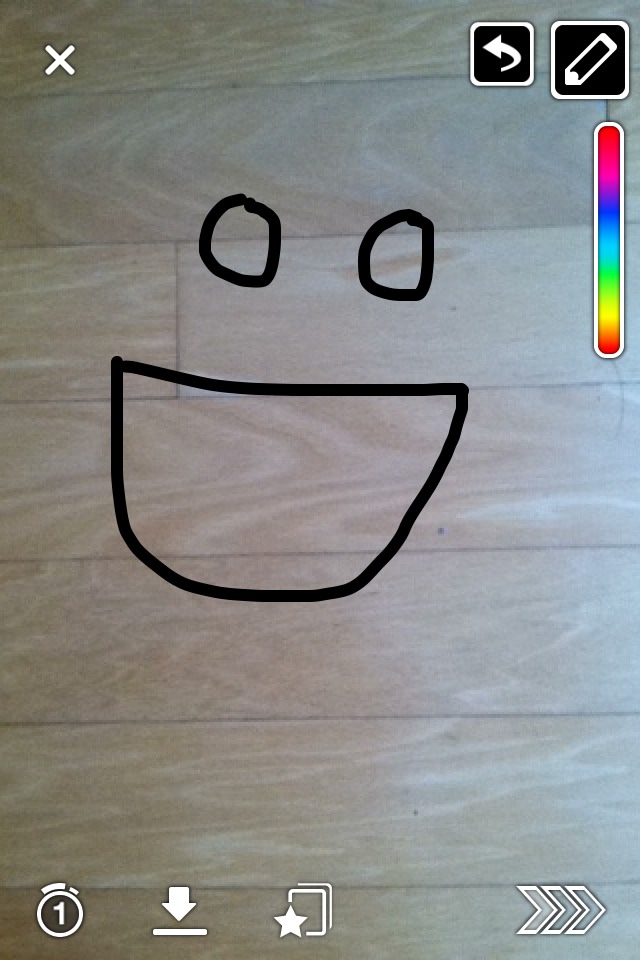
To get black writing, click on the paint thing in the upper right corner, then slide your finger from the top color to the bottom color, and keep sliding all the way down to the bottom of the pic, and BOOM! Black color reveals!
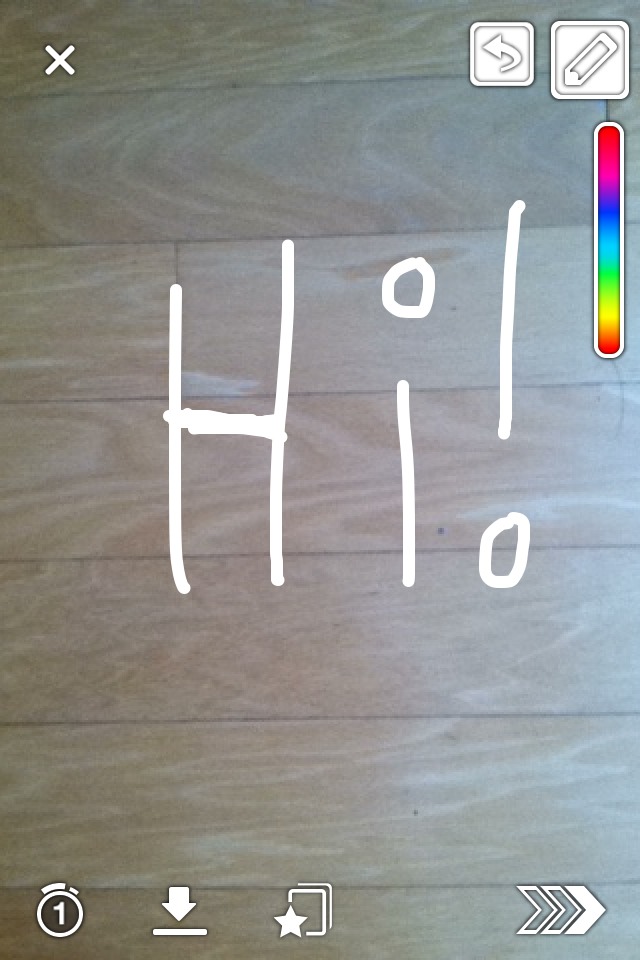
Same goes for white color, except slide your finger to the left side after sliding your finger down the color line!
Please like and share!😊❤
More tips like this
Other
Secret Starbucks Drinks ✔️
2.4K19

Other
8 Secrets to Mastering Time Management #summervibes
2961
Other
Victoria Secret Challenge
6658
Other
7 Stain Removal Secrets
32929

Other
The World's Best-Kept Silver Cleaning Secret
904
Other
DIY Secret Message Easter Eggs!
2953

Other
Costco Pricing "secrets!"
111
Other
Kim Kardashians Contouring Secret Revealed👏
3683